PCWinSoft Systems Informatica Ltda Blog Twitter Facebook RSS YouTube Channel


English English Português Português Italiano Español Français Deutsch   
ScreenCamera Download Free Trial Ordering Info
$49.95


More Products

1AVCenter

1AVCenter Capture, Record, Broadcast, and Remotely Monitor your PC Desktop, or Webcam. Plus Record Audio!

Try | Buy | More
$99.95


SuperLauncher

SuperLauncher Gain Instant Access to Favorite Applications, Folders, Files and Websites. Or Schedule Them!

Try | Buy | More
$29.95


1AVCapture

1AVCapture Capture anything you can hear or see on your PC directly to AVI, WMV, WAV, WMA, and MP3.

Try | Buy | More
$59.95


    1AVCenter
    ScreenCamera
    SuperLauncher
    1AVStreamer
    1AVCapture
    1AVMonitor
    1AVShare

    Download Now!
    Buy Now!
    Benefits
    Screenshots
    Features
    Awards
    FAQs
    Testimonials
    System requirements
    Community
    User Guide
    Updates

    How to purchase
    Contact Us
    Subscribe to News

    What's New!
    Press Releases
    Press Contact

    Links
    Link to us

ScreenCamera

Virtual Camera to Record your Screen Activity on Live Video Applications and Websites!
Benefits| Screenshots| Features| FAQ |Testimonials| For Companies

Only $49.95

Buy
Try
ScreenCamera
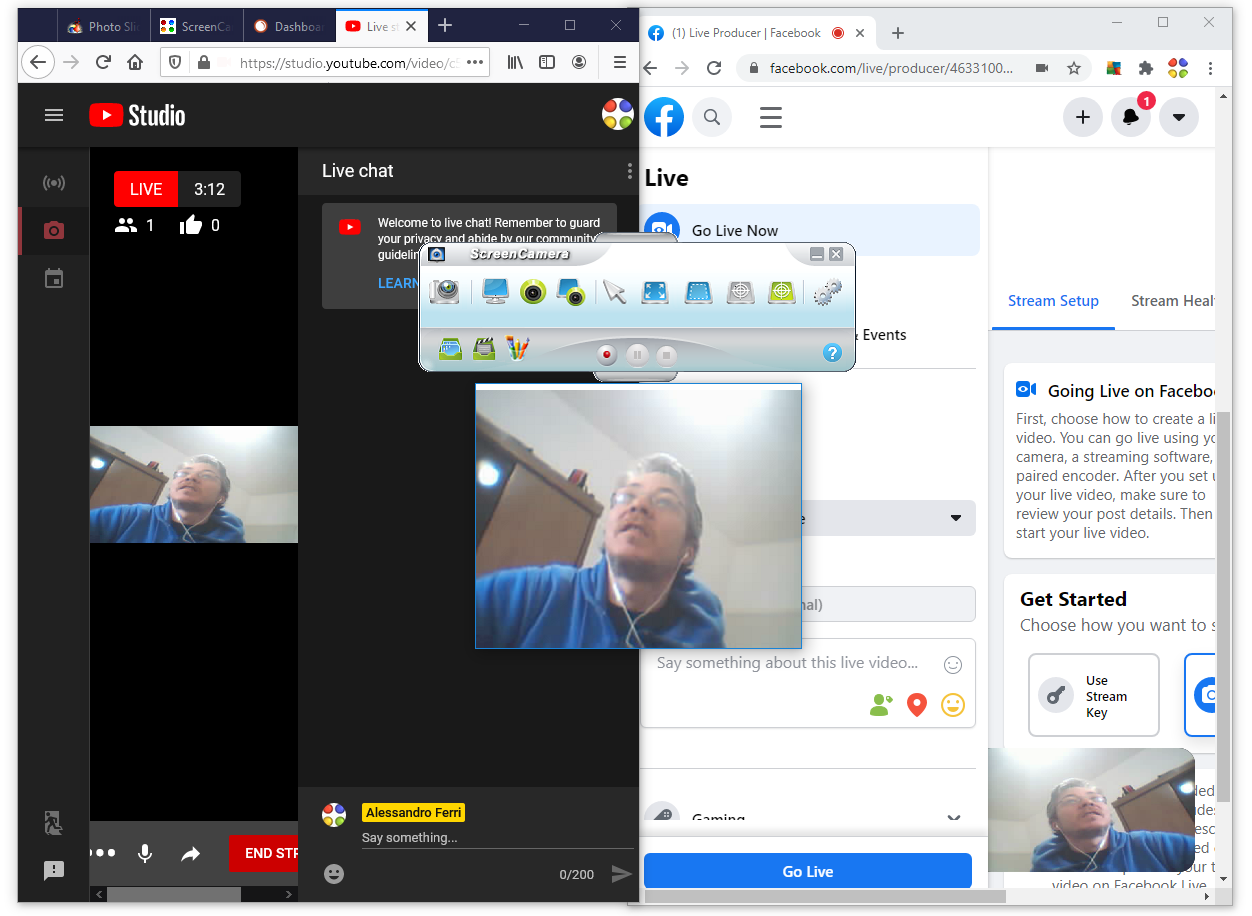
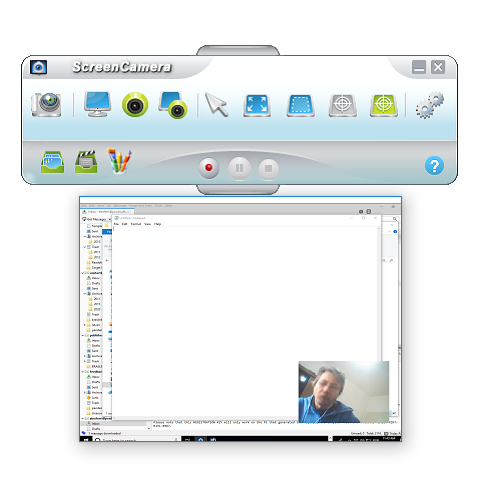
ScreenCamera is just like a webcam you buy at the store, except it captures the desktop activity and not the person's face.

If you have a real webcam then after you install ScreenCamera you will be able to use your real webcam on multiple programs and websites at the same time.

ScreenCamera is also a video recorder that can record online conversations, video tutorials, screencasts, and streaming videos from YouTube or any other website.

As a video camera ScreenCamera works with Skype, U-Stream, and all programs and websites that accept webcams as video sources.


Download ScreenCamera Now!
You will get a 50% discount on the first day of the trial.


How can ScreenCamera benefit me?

  • Add a webcam to your system, or split the one you have among multiple applications applications.

  • Split your webcam on multiple applications and never again receive the message that your webcam is already being used.

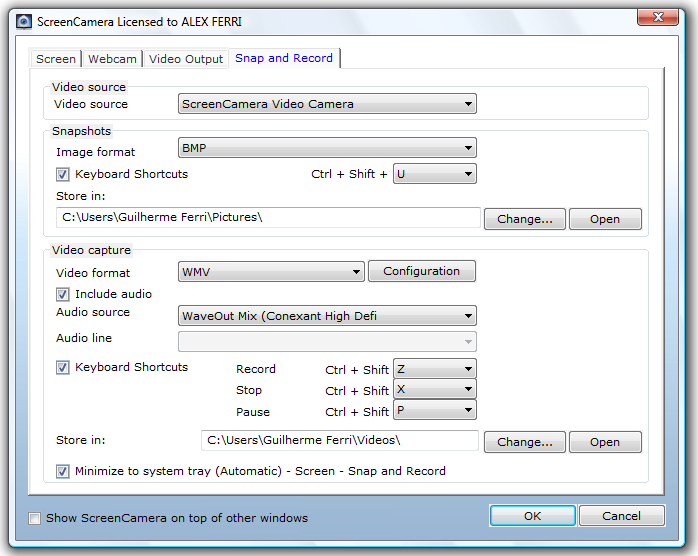
  • Record ScreenCamera or your PC screen directly to compressed AVI or WMV.

  • Use the picture in picture feature to enhance your live chatting experience.

  • Share photos and videos you have on your PC with your friends online.

  • Provide reliable cost-effective remote support. Show your screen to your clients you teach them how to do tasks.

  • Easily demostrate software applications to your clients, co-workers, or friends.

  • By showing your documents and presentations in real-time you can save a lot of time and money on your day-to-day business tasks.


  • Want to know more?

    If you want to learn more about ScreenCamera, take a look at the user guide.


    Home |  No Spyware/Adware | Contact us |  Press |  Site Map | About us

    Copyright © 2010 PCWinSoft Systems Informatica Ltda. All rights reserved. Member of ASP |  ESC |  OISV
    contact@pcwinsoft.com - (Brazil)(55) 11 5077 3803 - R Fonseca da Costa, 59 - Sao Paulo - SP - Brazil